
Secure messaging your patients actually use
A HIPAA-compliant messaging system that replaces phone tag with clear, trackable conversations between your practice and your patients.
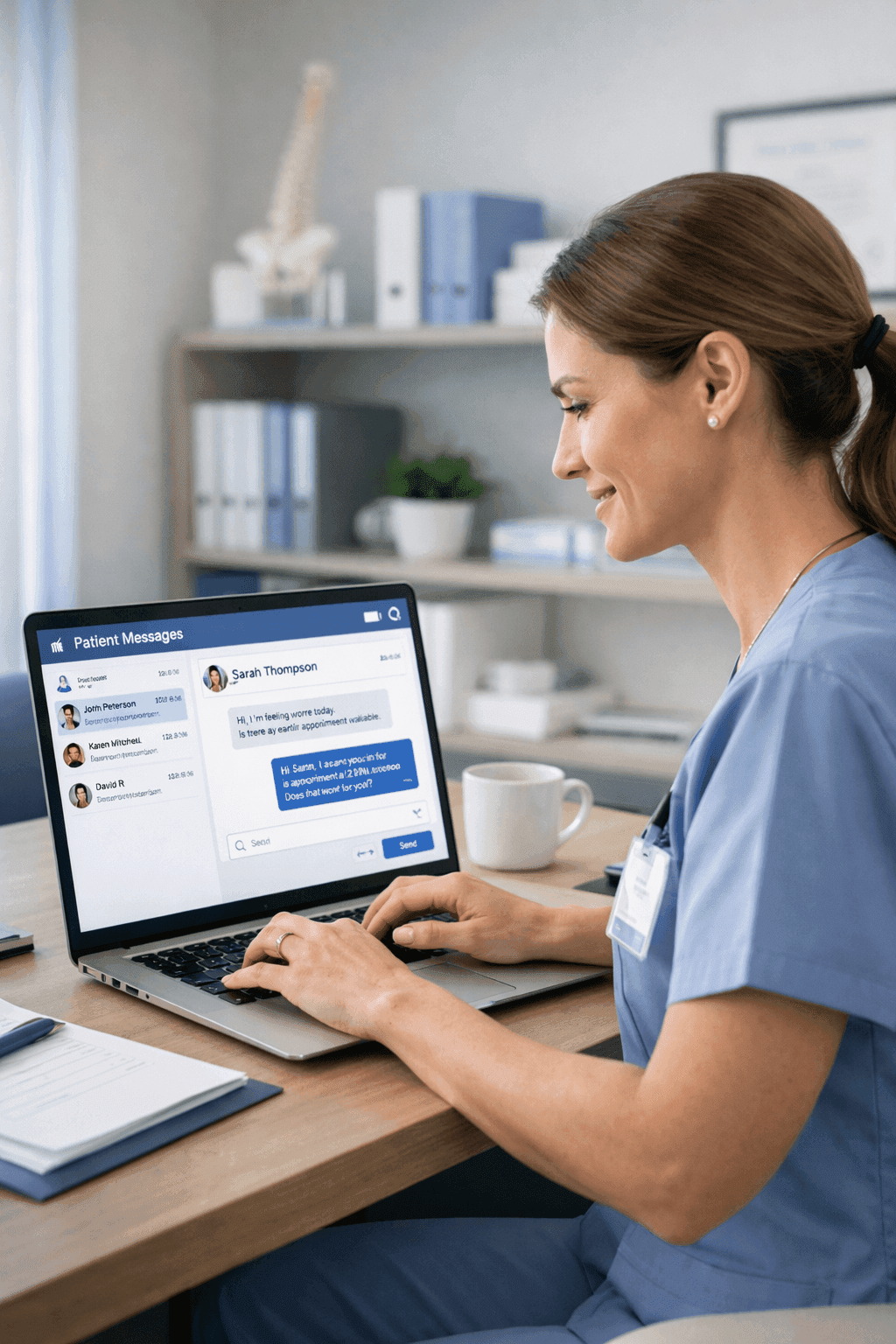
Patient Chat gives your practice a secure, text-style messaging channel where patients can ask questions, share photos, and get answers without calling in. Messages flow into a shared team inbox so your front desk, nurses, and providers can all see and respond to conversations based on their role. Every message is encrypted, logged, and stored in compliance with HIPAA requirements. For patients, it feels as natural as texting a friend. For your practice, it means fewer interrupted phone calls and a written record of every clinical and administrative exchange.
How it works
What Patient Chat does for your practice
HIPAA-Compliant Messaging
All messages are encrypted in transit and at rest. Patient identity is verified before any conversation begins, and the full message history is stored securely with audit trails. Your practice stays compliant without thinking about it, and patients can share sensitive health information without worrying about it ending up somewhere it should not be.
File and Image Sharing
Patients can snap a photo of a rash, a wound, or an insurance card and send it directly through the chat. Providers can share documents like post-visit summaries, referral letters, or educational handouts. Files are stored with the conversation thread, so when a provider opens the chat weeks later, the image is still right there in context.
Canned Responses for Common Questions
Your team can create saved response templates for questions that come up repeatedly, like office hours, accepted insurance plans, prescription refill procedures, or pre-visit preparation instructions. When a patient asks about fasting before a blood draw, your front desk selects the template, personalizes it if needed, and sends it in under ten seconds instead of typing the same paragraph for the fifth time that day.
Shared Team Inbox with Read Receipts
Every patient conversation appears in a shared inbox that your entire team can access. Messages can be assigned to specific staff members or departments. Read receipts show when a patient has seen a message, so your team knows whether to follow up. If a nurse responds to a question, the front desk sees that it has been handled and moves on to the next conversation.
Real scenarios
See Patient Chat in action
Patient sending a photo of a skin concern
A patient notices an unusual rash on their arm over the weekend. They are not sure if it warrants an urgent visit or if it can wait until their scheduled appointment next week. They open the chat and send a photo with a short description of when it appeared and whether it itches.
The on-call nurse reviews the photo Monday morning, shows it to the provider, and replies within an hour recommending the patient come in sooner. The patient books a same-day slot through the self-booking link the nurse includes in her reply.
Front desk answering insurance questions
A new patient messages asking whether the practice accepts their insurance plan, what their copay might be, and what documents they need to bring to their first visit. These are questions the front desk answers multiple times a day.
The front desk coordinator selects the 'Insurance and First Visit' canned response, adjusts one line to mention the patient's specific plan, and sends a detailed reply in seconds. The patient has everything they need without either party spending ten minutes on the phone.
Provider sending post-visit instructions
After a minor procedure, Dr. Chen wants to make sure the patient remembers the wound care instructions that were discussed in the office. Patients often forget details once they get home, especially if they were anxious during the visit.
Dr. Chen sends a message through the chat with step-by-step wound care instructions and a PDF handout attached. The patient can refer back to it anytime, and the read receipt confirms they opened it that evening.
Common questions
Questions about Patient Chat
Is Patient Chat compliant with HIPAA regulations?
All messages are encrypted using AES-256 encryption at rest and TLS 1.2+ in transit. Patient identity is verified through a secure login before they can access any conversations. The system maintains complete audit logs of who sent what and when. Your practice also has administrative controls to manage which staff members can access patient conversations, ensuring that only authorized personnel see protected health information.
Can patients use the chat for urgent medical concerns?
The chat is designed for non-emergency communication. When patients open a new conversation, they see a clear notice that the chat is not for emergencies and should call 911 for life-threatening situations. That said, your team can configure response time expectations so patients know when to expect a reply. For time-sensitive but non-emergency concerns, the team inbox ensures someone on staff sees the message promptly during business hours.
How does the team inbox work when multiple staff members are online?
The team inbox shows all open conversations in one list. Staff members can assign a conversation to themselves, which signals to the rest of the team that someone is handling it. If a message sits unassigned for a configurable amount of time, the system highlights it so nothing falls through the cracks. Providers typically only see conversations assigned to them or flagged as clinical, while front desk staff handle administrative questions. This keeps everyone focused on the messages that are relevant to their role.