
Fewer no-shows, less manual follow-up work
Automated appointment reminders that reach patients on the channel they prefer, at the times that actually get their attention.
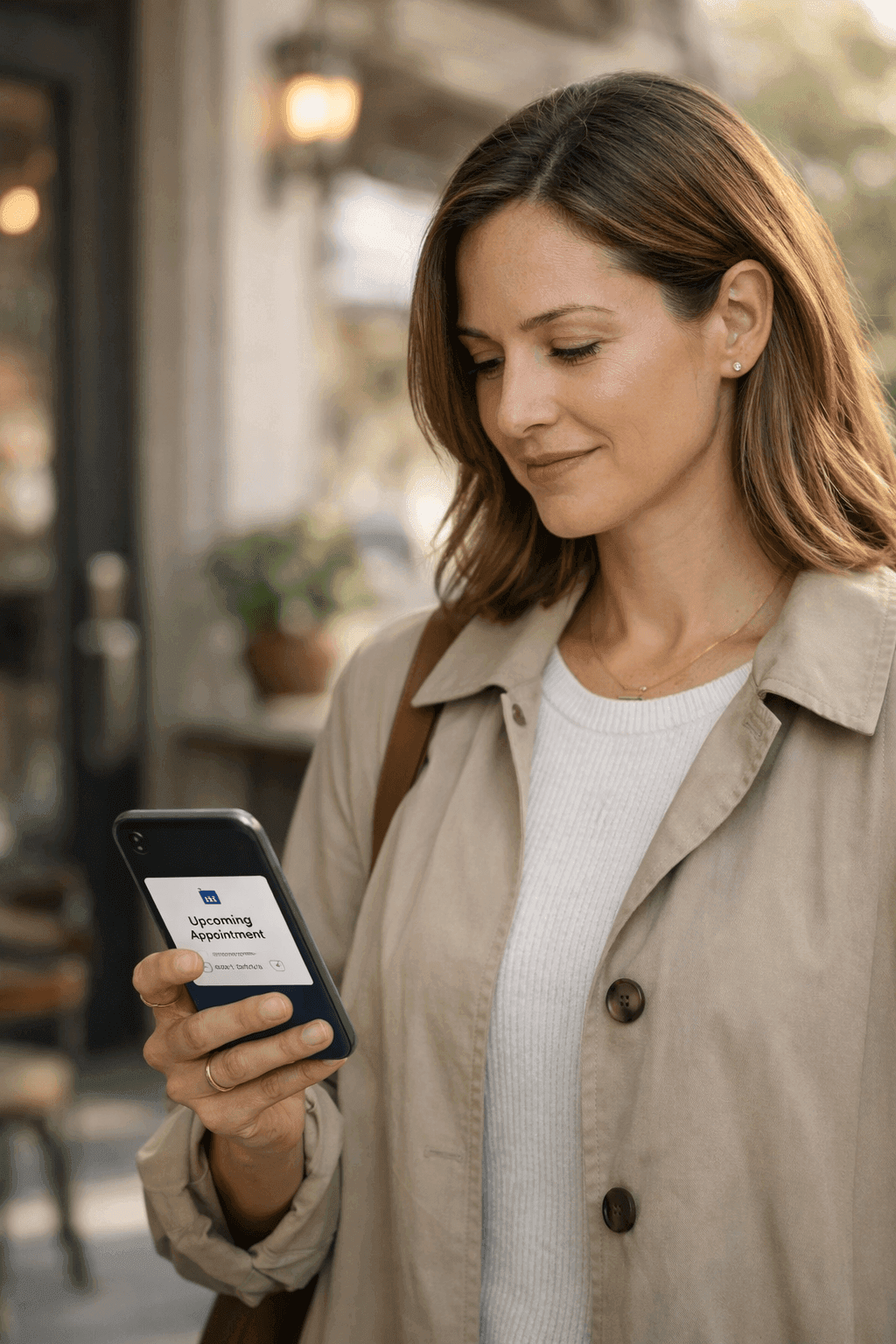
Smart Reminders sends appointment confirmations and reminders through email, SMS, or both, based on what each patient responds to best. Instead of your front desk spending two hours every afternoon making confirmation calls, the system handles the outreach automatically with a sequence you configure once. If a patient does not confirm after the first message, it follows up with a second reminder closer to the appointment. You can also set up recall reminders for patients who are overdue for routine visits, turning a task that most practices never get around to into something that happens on its own.
How it works
What Smart Reminders does for your practice
Multi-Channel Delivery
Reminders go out via SMS, email, or both, depending on what the patient has opted into. Some patients read every text but ignore email. Others check email but have text notifications silenced. The system tracks which channel a patient typically responds on and defaults to that one first, increasing the chance that your reminder actually gets seen.
Configurable Timing and Sequences
You decide when reminders go out. A common setup is an email confirmation when the appointment is booked, an SMS reminder 48 hours before, and a final text the morning of the visit. If the patient confirms after the first message, the follow-ups stop automatically. You can adjust the timing and number of steps for different appointment types, sending more reminders for procedures that have higher no-show rates.
Escalation When Patients Do Not Respond
If a patient has not confirmed after all automated reminders, the system flags the appointment for your front desk to follow up manually. This way your staff only makes phone calls for the patients who genuinely need a personal touch, instead of calling every single person on tomorrow's schedule. The flag appears in the calendar view so it is easy to spot during the afternoon prep routine.
Recall Reminders for Overdue Visits
For patients who have not visited in a set period, like six months for a dental cleaning or a year for an annual physical, the system automatically sends a friendly message suggesting they schedule. You define the interval and the message template. It is a simple way to bring patients back for preventive care without your team having to pull reports and make outreach calls manually.
Real scenarios
See Smart Reminders in action
Reducing Monday morning no-shows
Your practice consistently sees higher no-show rates on Monday mornings. Patients book Friday appointments for the following Monday, then forget over the weekend. By the time Monday arrives, they have made other plans or simply do not remember they had an appointment.
Smart Reminders sends a confirmation text on Friday afternoon and a second reminder Sunday evening. Patients who need to cancel do so with enough notice for the front desk to fill the slot, and those who confirm actually show up. Monday no-show rates drop noticeably within the first month.
Reactivating patients overdue for annual visits
Your practice has hundreds of patients who came in for their annual physical last year but have not scheduled this year's visit. Your front desk knows they should reach out, but between daily scheduling and in-office tasks, it never rises to the top of the priority list.
A recall reminder goes out automatically at the 11-month mark, giving patients a nudge and a direct link to book their next annual visit. Patients who respond schedule themselves through the self-booking portal. The ones who do not respond get a second message a month later.
Sending pre-procedure prep instructions
Patients scheduled for a colonoscopy need to follow specific dietary restrictions starting two days before the procedure. If they forget the prep instructions, the procedure gets cancelled and rescheduled, wasting a slot and delaying the patient's care.
A reminder goes out three days before the procedure with the prep instructions attached. A second reminder the morning of the prep day confirms the patient has started. Fewer procedures are cancelled due to patient unpreparedness, and the provider's schedule stays intact.
Common questions
Questions about Smart Reminders
Can I customize the reminder messages for different appointment types?
Each appointment type can have its own reminder template and timing sequence. A routine follow-up might get a single text 24 hours before, while a surgical consultation might get an email with preparation documents 72 hours ahead, followed by a text reminder the day before. You write the message content, choose the channels and timing, and the system handles the rest. Templates support merge fields like patient name, appointment date, provider name, and office address.
What if a patient prefers not to receive text messages?
Patients can set their communication preferences when they register or update them anytime through the patient portal. If a patient opts out of SMS, reminders go by email only. If they opt out of both, the system flags them for manual phone call follow-up by your front desk. You always have visibility into which patients are receiving automated reminders and which ones need a personal call, so nobody slips through the cracks.
How does the system handle patients who confirm and then do not show up?
The system tracks confirmation status and actual attendance separately. If a patient confirms via text but still does not show up, that information feeds into their history. Over time, if a pattern emerges where a patient frequently confirms but fails to appear, the No-Show Predictor feature can flag that behavior. Your front desk can then decide to give those patients a personal phone call on the day of, rather than relying solely on automated messages.